
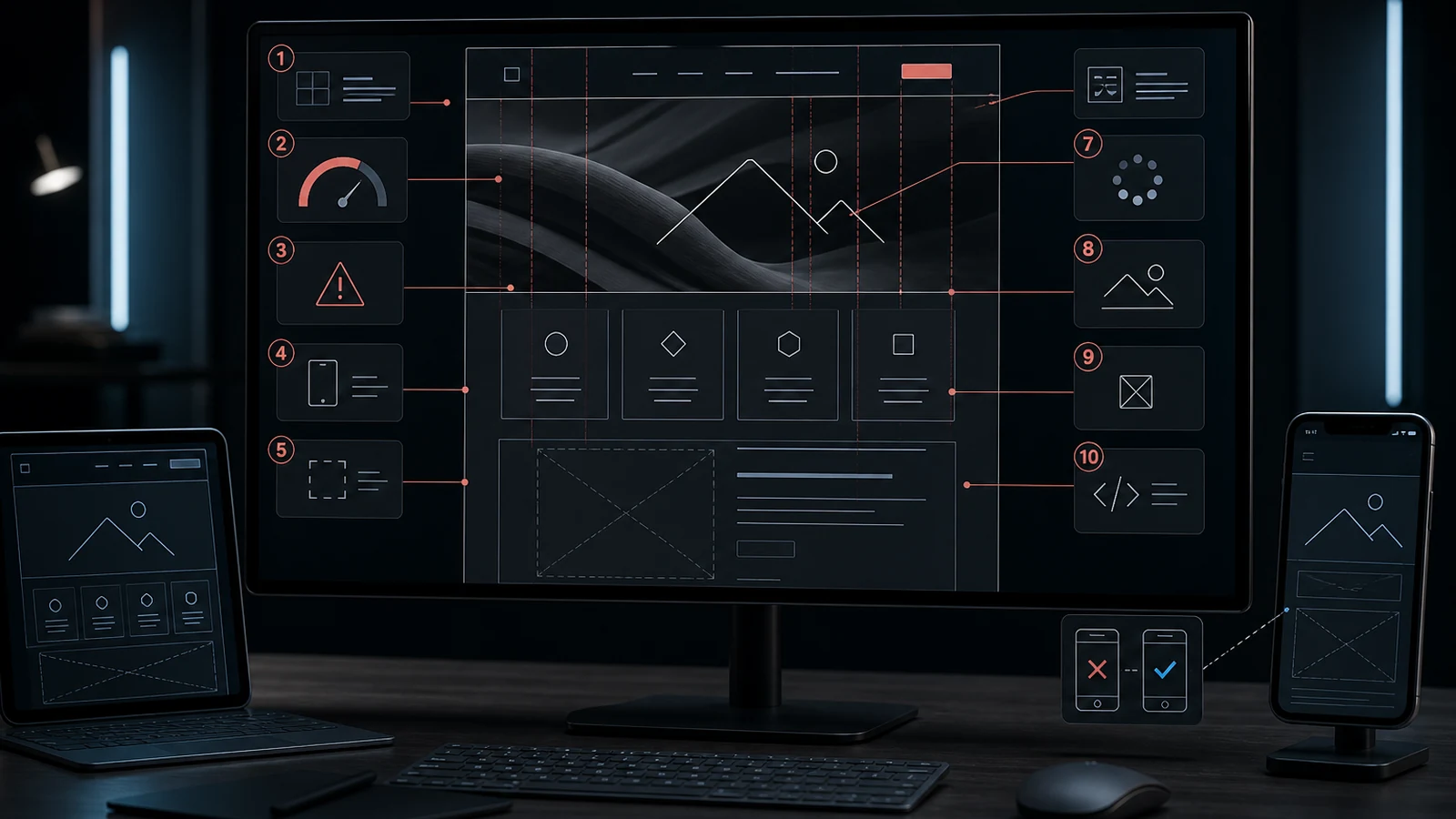
A corporate website is more than a digital business card. It is where prospects establish trust, compare services, request a proposal and often meet your brand for the first time. Yet many projects still begin with colors, page count and the lowest quote, leaving business goals, content, performance and operating cost until the end.
A strong corporate website is not a design project that ends on launch day. It is a measurable, maintainable sales asset.
1. Selecting the cheapest quote on price alone
Two quotes may both mention five pages while covering very different work. One may install a template; the other may include discovery, information architecture, original design, SEO migration, performance, security, testing and support. Compare deliverables line by line before comparing totals.
A cheap project can become expensive when content entry, mobile repairs, licenses, hosting migration and SEO recovery arrive later. The better measure is three-year total cost of ownership.
2. Treating a template as a brand strategy
A template can be a valid accelerator. The mistake is allowing its block structure to define the brand message. Using the same composition, stock imagery and content order as competitors makes the business interchangeable.
Define the target buyer, value proposition and primary conversion first. Any template should serve that structure, not control it.
3. Thinking about SEO after the site is finished
SEO is not a plugin added at the end. URL structure, hierarchy, headings, content scope, internal links, redirects and schema should be planned before development. Redesigns also need an inventory of traffic-generating URLs and a tested 301 redirect map.
4. Confusing “responsive” with good mobile performance
Fitting on a phone screen is not enough. Navigation, touch targets, forms, image weight, long headings, fixed elements and slow-network behavior need testing on real viewport sizes.
Menus that cover content, heavy hero images and inaccessible calls to action directly reduce conversion. Request screenshots and interaction tests across multiple mobile widths.
5. Leaving content until the end
“We will send the copy later” forces design around placeholder dimensions. When real service names, technical terms and case studies arrive, cards overflow and pages repeat one another.
Content is a design input. At minimum, prepare the homepage message, service list, target industries, proof, FAQ and contact action before wireframing.
6. Failing to request a usable CMS
Contacting the agency for every edit is slow. The opposite extreme, a panel with hundreds of uncontrolled settings, increases risk. Build the CMS around what the team will actually manage: blog, projects, services, people, SEO fields, media and forms.
Roles, approvals, optimized media and recovery options matter in a corporate environment. See the panel before final delivery.
7. Assuming an SSL certificate equals security
HTTPS is essential but insufficient. Dependency updates, strong administrator authentication, rate limiting, safe uploads, access logs, spam protection and security headers all matter.
Ask who owns updates, how incidents are handled and how access is transferred. Shared weak passwords and services tied to personal accounts create avoidable risk.
8. Assuming backups work without testing restore
A hosting plan that says “daily backup” does not answer what is backed up, how long it is retained, whether copies live on the same server or how quickly restoration happens.
A backup process is not verified until at least one restore test succeeds. The recovery owner and steps should be documented.
9. Delaying performance and scalability until traffic arrives
Oversized images, unnecessary JavaScript, uncontrolled plugins and weak caching may seem harmless at launch. A campaign or press mention exposes them. Define a performance budget, image formats, CDN, caching and database expectations early.
Scalability does not automatically mean microservices. It means understanding the effort required to add a language, service, campaign, integration or customer portal.
10. Leaving support and ownership out of the contract
Who owns the domain, hosting, source code, design files, analytics, licenses and administrator accounts? What is included in maintenance? What is the response time for a critical fault? Will you receive documentation and training?
Without clear answers, a company can legally own a site while remaining operationally dependent on its supplier.
What is the difference between a very cheap and a premium website?
Price alone does not prove quality, and market prices change. The difference usually comes from process and responsibility rather than the number of pages.
- A low-budget delivery may cover template setup, basic content entry and limited revisions.
- A comprehensive project can include research, UX, an original design system, multiple languages, integrations, SEO migration, security, performance testing, analytics and support.
- A high price is not automatically a good investment when these outputs are not documented.
For every proposal, ask what will be done, what is excluded, how success is measured and who owns each asset.
12 questions to ask a web design company
- Which projects have you delivered for a similar audience?
- Who owns content and SEO research?
- Is the design original or template-based, and what are the license terms?
- What mobile and accessibility testing is included?
- How are Core Web Vitals and media optimized?
- Is there a redirect plan for existing URLs?
- Which fields can our team manage?
- Can forms connect to CRM and email systems?
- Who owns backup, security and updates?
- Who owns source code and service accounts?
- What support period and service level apply?
- Which analytics events define success?
Frequently asked questions
How long does a corporate website take?
It depends on scope. A small site with approved content can take a few weeks; discovery, multilingual content, original design and integrations need a longer plan. Clarify dependencies and approval dates before promising speed.
How is website cost calculated?
Content scope, design originality, language count, custom modules, integrations, SEO migration, security, testing and support determine total effort.
How does WebWizz run a project?
WebWizz defines goals, the buyer journey and measurement first, then combines content architecture, design, development, SEO, security and device testing in one delivery plan. Explore our corporate web services.